Trend Intensity Index
Install and import#
npm install fintech-algorithmsimport { trendIntensityIndex } from "fintech-algorithms/technical-indicators/trend-systems/trend-intensity-index";Signature#
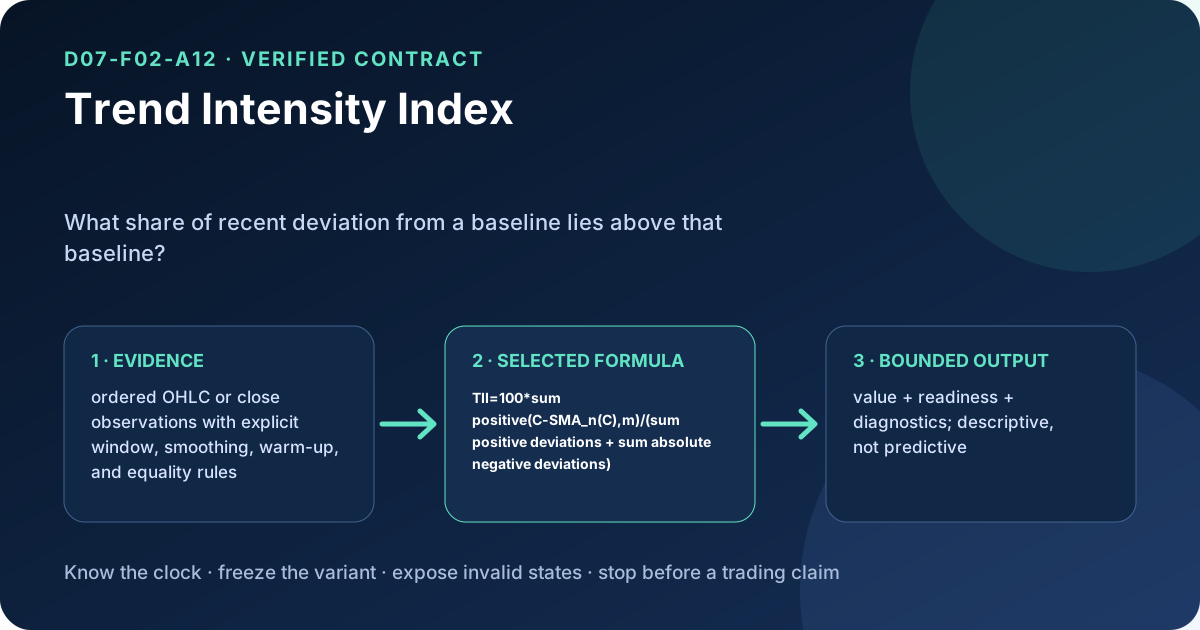
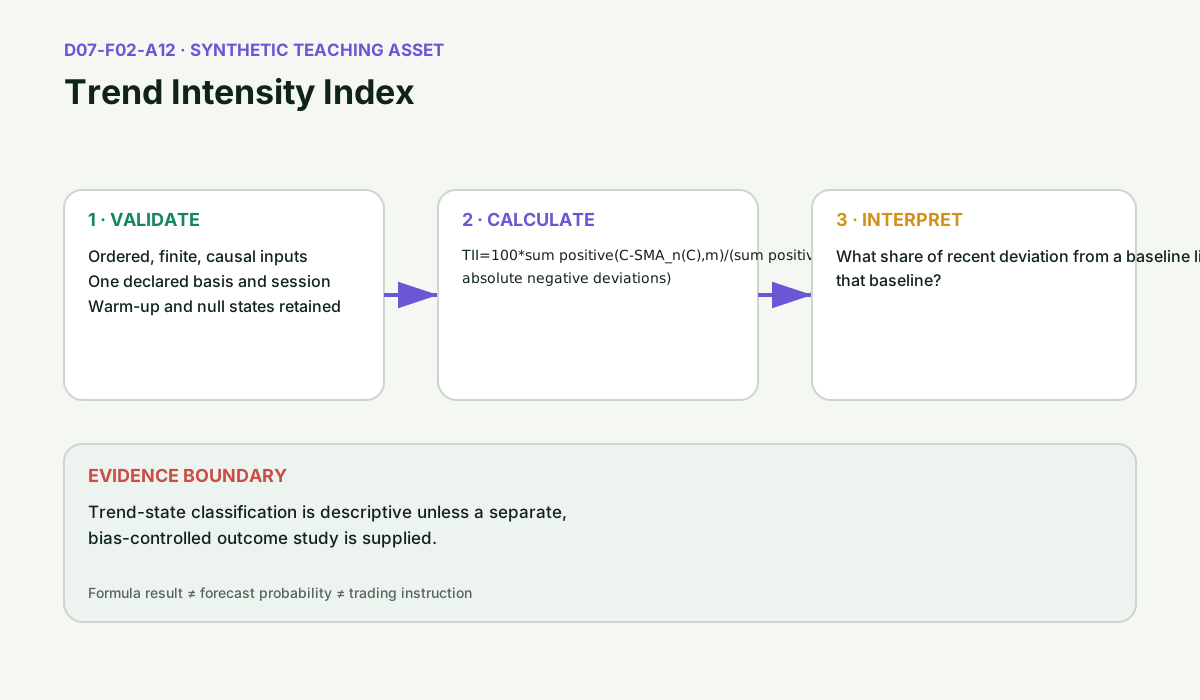
trendIntensityIndex(input)Splits each close into the part above and the part below a simple moving average, sums each part over a second window, and reports the upside sum as a percentage of the two sums combined.
Parameters#
| Name | Type | Notes |
|---|---|---|
input | TopicInput | bars is the OHLCV series, validated for finite prices, strictly increasing timestamp, a single adjustment basis, non-negative volume, and a high and low that bracket the other prices. From parameters this topic reads period (integer, minimum 2, default 14), the moving-average length, and intensity_period (integer, minimum 2, defaulting to whatever period resolved to), the length of the deviation sums. |
Returns#
TopicResult
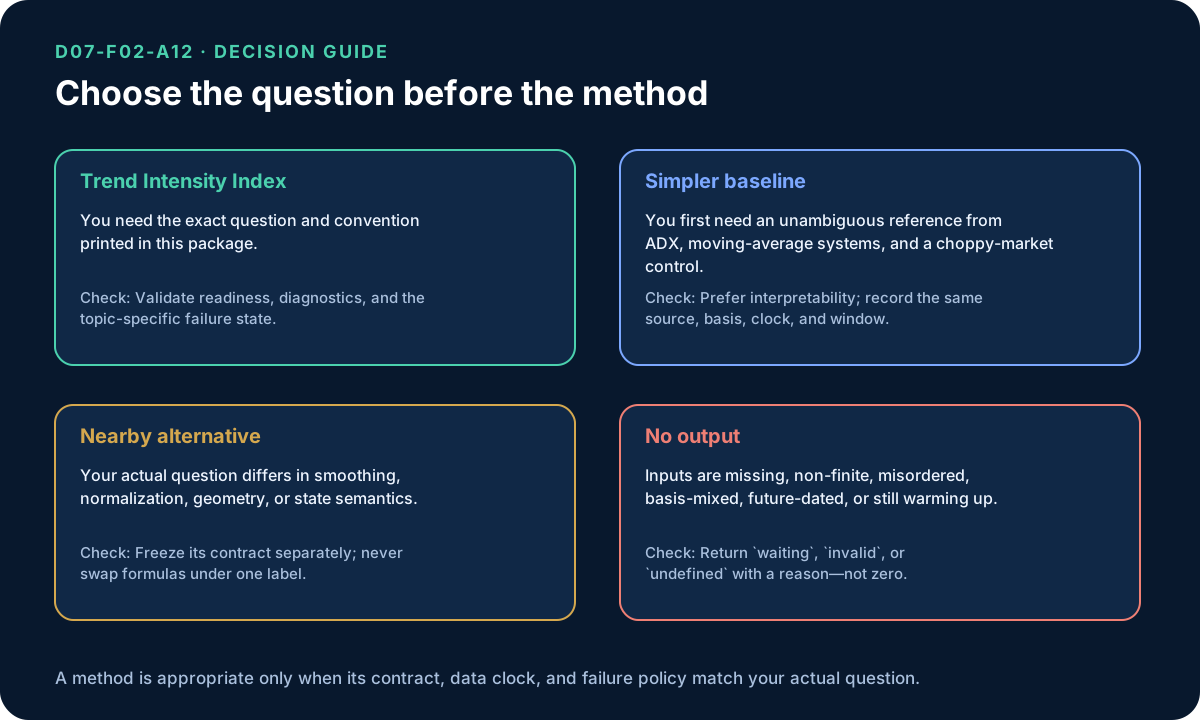
series and latest carry a single value key, a percentage between 0 and 100. A bar is null when both deviation sums are zero, which happens only when every close in the window sits exactly on its moving average. The two windows stack, which is what makes the warm-up longer than callers expect.
Warm-up#
The first period + intensity_period - 2 bars (26 by default) positions are null. The moving average needs period bars, and the deviation sum then needs intensity_period non-null deviations on top of it. With both at the default 14 the first value lands at index 26, so ready_at is 26.
Errors#
- When
parameters.periodorparameters.intensity_periodis present but is not an integer of at least 2 — throws Error - When
barsis empty, or a bar has a non-finite price, a negative volume, a timestamp not greater than the previous one, or a high below its open, low, or close — throws Error
Complexity: time O(n * period),
space O(n).
Worked example#
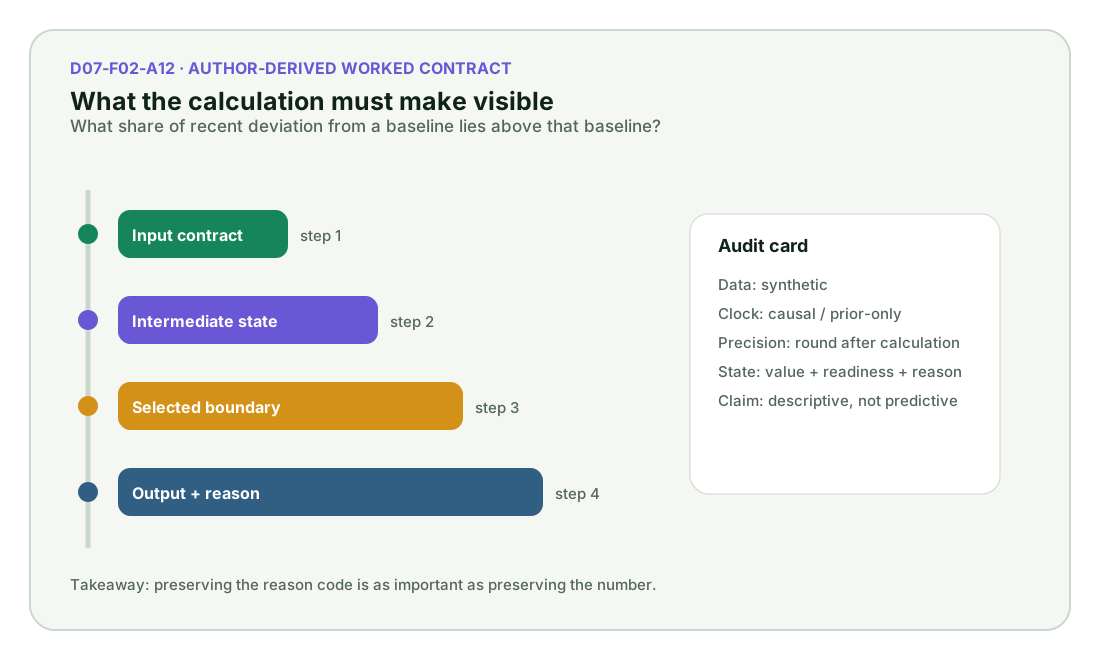
executed Captured by running this function on the input its own test provides. Real output of real code — but not asserted against a published figure.
Input#
{
  "bars": [
    {
      "timestamp": "2024-01-02",
      "basis": "synthetic-unadjusted",
      "open": 100,
      "high": 101.45,
      "low": 98.695,
      "close": 100,
      "volume": 750000,
      "benchmark": 200
    },
    {
      "timestamp": "2024-01-03",
      "basis": "synthetic-unadjusted",
      "open": 101.49111452,
      "high": 103.38381693,
      "low": 100.05480022,
      "close": 101.78791214,
      "volume": 795117,
      "benchmark": 200.56326135
    },
    {
      "timestamp": "2024-01-04",
      "basis": "synthetic-unadjusted",
      "open": 102.45519048,
      "high": 104.6701838,
      "low": 100.91147007,
      "close": 102.9549389,
      "volume": 840234,
      "benchmark": 201.11020913
    }
  ],
  "parameters": {}
}Call#
trendIntensityIndex(input)Returns#
object with 9 fields: topic_id, title, state, ready, ready_at, series, latest, parameters, …
{
  "topic_id": "D07-F02-A12",
  "title": "Trend Intensity Index",
  "state": "calculated",
  "ready": true,
  "ready_at": 26,
  "series": {
    "value": [null, null, null, null, null, null]
  },
  "latest": {
    "value": 57.21213322600646
  },
  "parameters": {},
  "diagnostics": {
    "causal": true,
    "input_count": 96
  }
}Diagrams#
Calculation flow#
Trend Intensity Index calculation flow
flowchart LR
    A["ordered OHLC or close observations with explicit window, s"] --> B["Validate order, basis, and finite values"]
    B --> C["Apply the selected Trend Intensity Index convention"]
    C --> D["Emit value, readiness, and diagnostics"]
    D --> E["Interpret descriptively; test outcomes separately"]
    B -->|invalid or insufficient| X["Withhold output with a reason"]
Trend Intensity Index readiness and evidence states
stateDiagram-v2
    [*] --> Waiting
    Waiting --> Ready: enough valid causal observations
    Waiting --> Rejected: malformed or unsupported input
    Ready --> Calculated: selected formula applied
    Calculated --> Interpreted: diagnostic and limitation retained
    Interpreted --> Ready: next observation arrives
    Rejected --> Waiting: corrected input and deterministic reset
How it works#
This page states the contract — how to call it correctly. The article explains the concept: why it works, and where it breaks.
References#
- TA-Lib function groups — TA-Lib project contributors
- TA-Lib C/C++ API — TA-Lib project contributors
- TA-Lib maintained source — TA-Lib project contributors
- Evidence decision
- Level 1 evidence map