Liquidity Screen
Install and import#
npm install fintech-algorithmsimport { calculate } from "fintech-algorithms/index-and-benchmark-engineering/governance-and-maintenance/liquidity-screen";Signature#
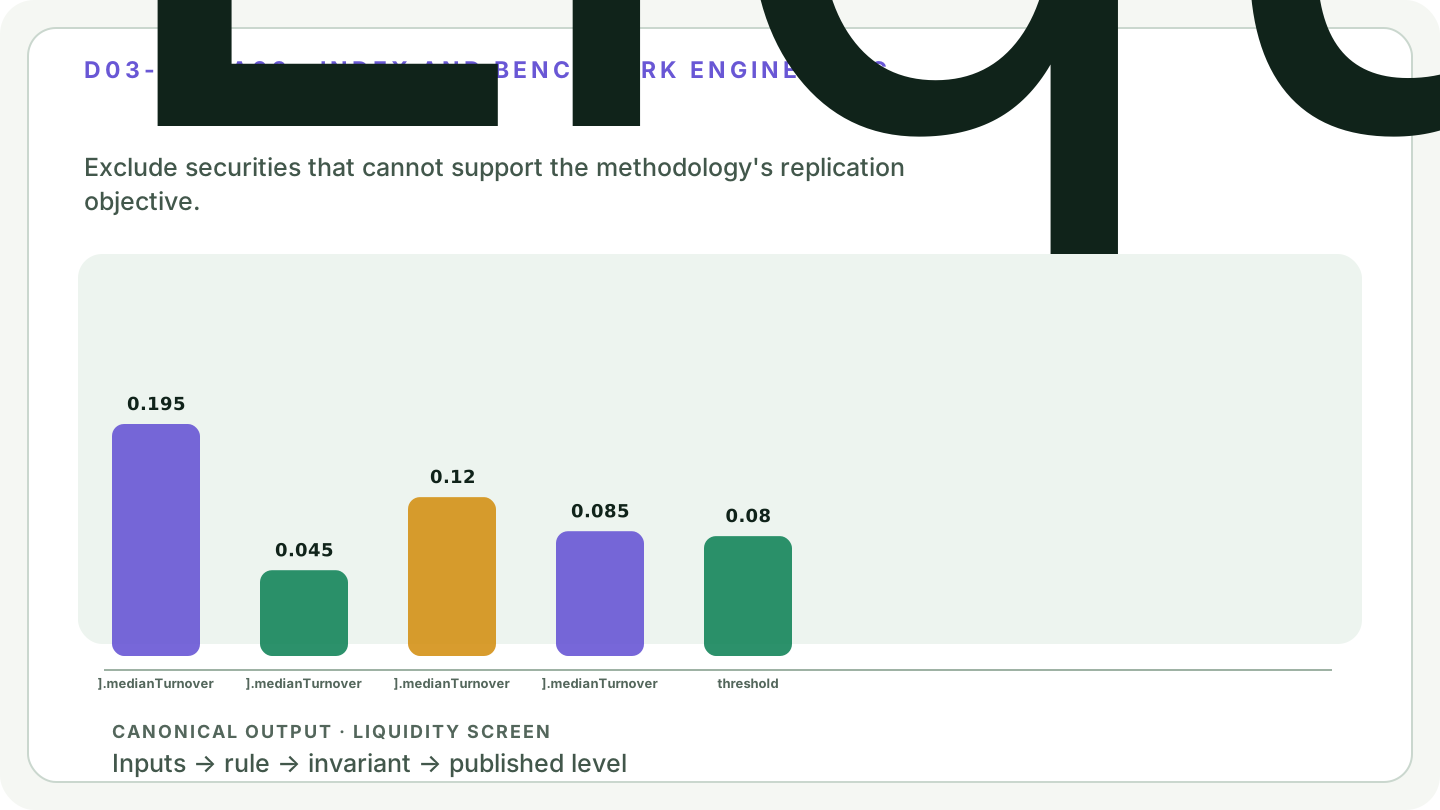
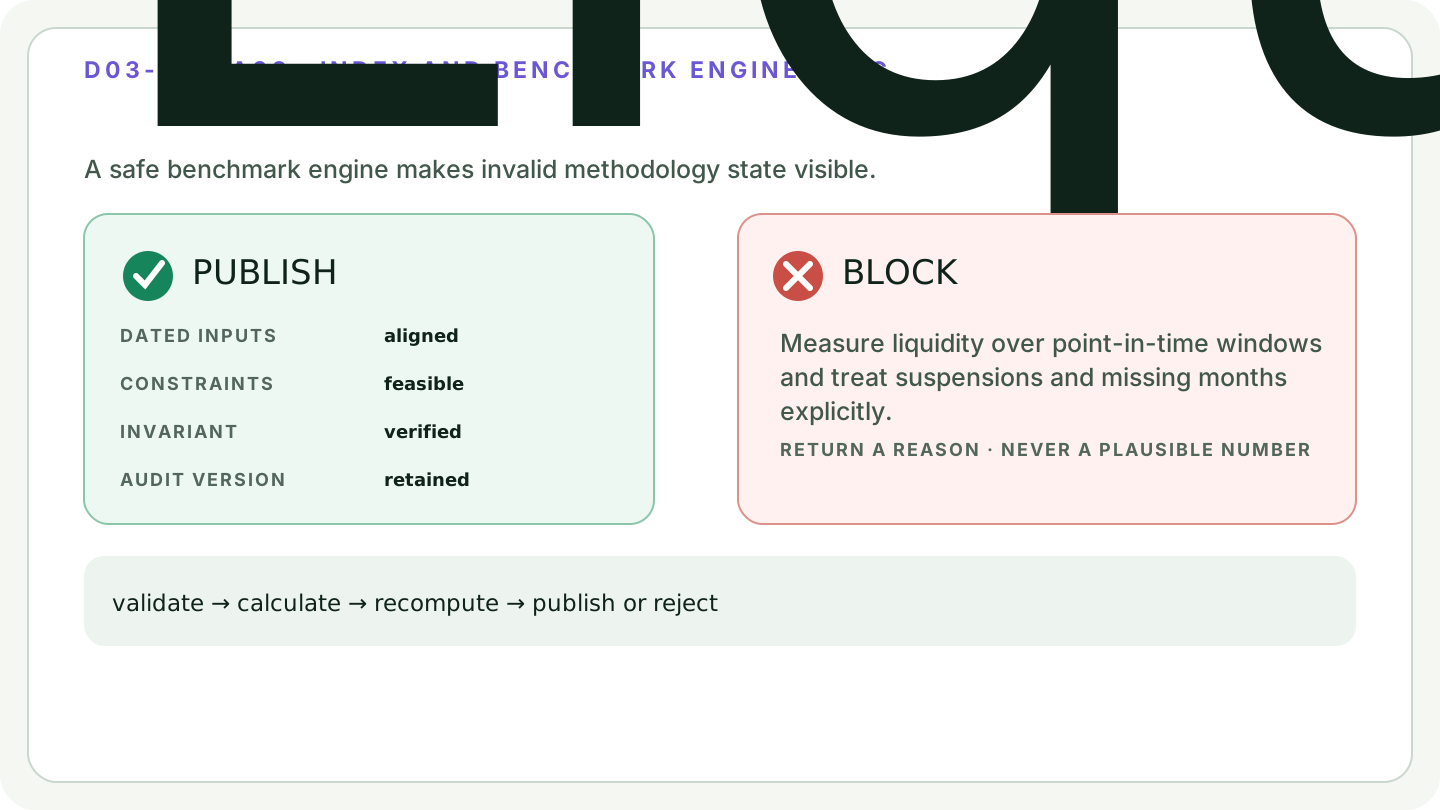
calculate(data)Requires sustained tradability, not a single good month. This package's convention is the median of the supplied monthly turnover ratios against a monthly threshold; the median is deliberate, because a mean is dominated by one spike of activity. The statistic is a median monthly ratio, not an annualized traded value ratio, and providers differ in window length, statistic, and whether they annualize.
Parameters#
| Name | Type | Notes |
|---|---|---|
data | { records: Record[]; minimumMedianTurnover: number; minimumMonths: number } | Each record supplies monthlyTurnover, the already-computed monthly ratios of traded value to free-float market capitalisation. The raw traded value and capitalisation are never seen, so suspended and part-traded months cannot be recognised here and must be resolved upstream. minimumMonths is the sustained-history requirement, which is what stops a newly listed name qualifying on a burst of IPO volume; it is a minimum length, not a window, and every month supplied is included in the median. |
Returns#
{ results, passingIds, threshold }
Per-candidate results with the realised median monthly ratio and the monthly threshold applied.
Errors#
- When minimumMedianTurnover is negative, or minimumMonths is less than 1 — throws
- When any record supplies fewer months than minimumMonths, or a negative monthly ratio — throws for the whole call, not only that record
Complexity: time O(n × months),
space O(n).
Worked example#
verified This is the worked example published in the article, replayed by the test suite on every run. The output cannot drift.
Input#
{
  "records": [
    {
      "id": "A",
      "monthlyTurnover": [0.18, 0.21, 0.2, 0.17, 0.23, 0.19]
    },
    {
      "id": "B",
      "monthlyTurnover": [0.04, 0.06, 0.05, 0.03, 0.05, 0.04]
    },
    {
      "id": "C",
      "monthlyTurnover": [0.12, 0.11, 0.14, 0.1, 0.13, 0.12]
    }
  ],
  "minimumMedianTurnover": 0.08,
  "minimumMonths": 6
}Call#
calculate(data)Returns#
object with 3 fields: results, passingIds, threshold
{
  "results": [
    {
      "id": "A",
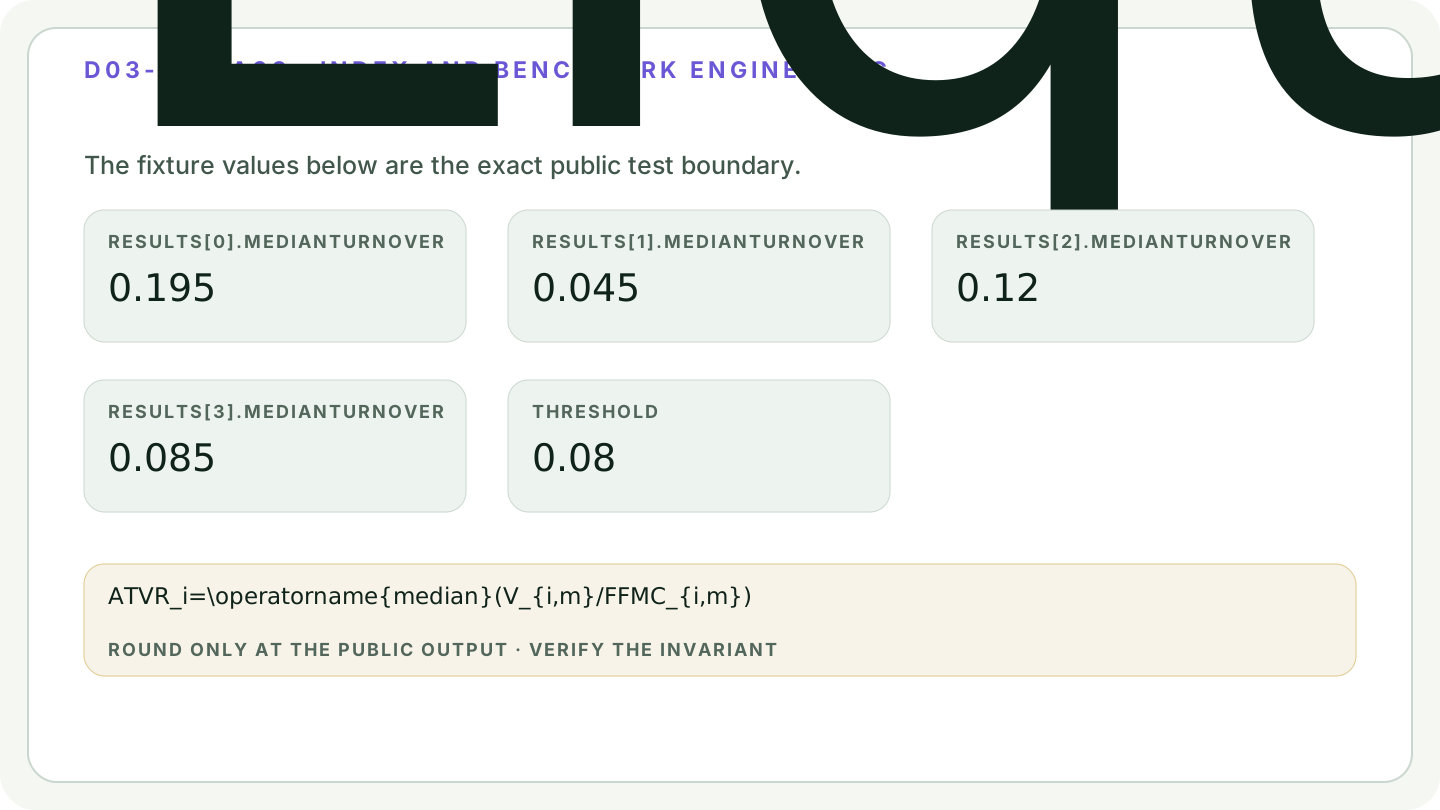
      "medianTurnover": 0.195,
      "passes": true
    },
    {
      "id": "B",
      "medianTurnover": 0.045,
      "passes": false
    },
    {
      "id": "C",
      "medianTurnover": 0.12,
      "passes": true
    }
  ],
  "passingIds": ["A", "C", "D"],
  "threshold": 0.08
}Diagrams#
Calculation flow#
Liquidity Screen calculation flow
flowchart LR
    A["Point-in-time inputs"] --> B["Validate units and timing"]
    B --> C{"Contract feasible?"}
    C -->|No| D["Reject with reason"]
    C -->|Yes| E["Calculate Liquidity Screen"]
    E --> F["Recompute invariants"]
    F --> G{"Checks pass?"}
    G -->|No| D
    G -->|Yes| H["Publish audited output"]
Liquidity Screen methodology state
stateDiagram-v2
    [*] --> FrozenInputs
    FrozenInputs --> Validated: contract passes
    FrozenInputs --> Rejected: missing or infeasible
    Validated --> Calculated: apply named rule
    Calculated --> Audited: invariants pass
    Calculated --> Rejected: invariant fails
    Audited --> Published: version and timestamp recorded
    Published --> Revised: approved correction
    Revised --> FrozenInputs: rebuild from retained source state
How it works#
This page states the contract — how to call it correctly. The article explains the concept: why it works, and where it breaks.
References#
- S&P Dow Jones Indices Index Mathematics Methodology — S&P Dow Jones Indices
- S&P DJI Equity Indices Policies & Practices — S&P Dow Jones Indices
- FTSE Russell Capping Methodology — FTSE Russell, LSEG
- FTSE Russell Index Policy and Methodology Library — FTSE Russell, LSEG
- MSCI Global Investable Market Indexes Methodology Library — MSCI
- MSCI Minimum Volatility Indexes Methodology — MSCI
- S&P Risk Control 2.0 Indices Methodology — S&P Dow Jones Indices
- Principles for Financial Benchmarks — International Organization of Securities Commissions
- Regulation (EU) 2016/1011 — European Union
- Portfolio Selection — Harry Markowitz
- On the Properties of Equally-Weighted Risk Contributions Portfolios — Sébastien Maillard, Thierry Roncalli, and Jérôme Teïletche
- Fundamental Indexation — Robert Arnott, Jason Hsu, and Philip Moore
- FTSE Currency Hedging Methodology Overview — FTSE Russell, LSEG